
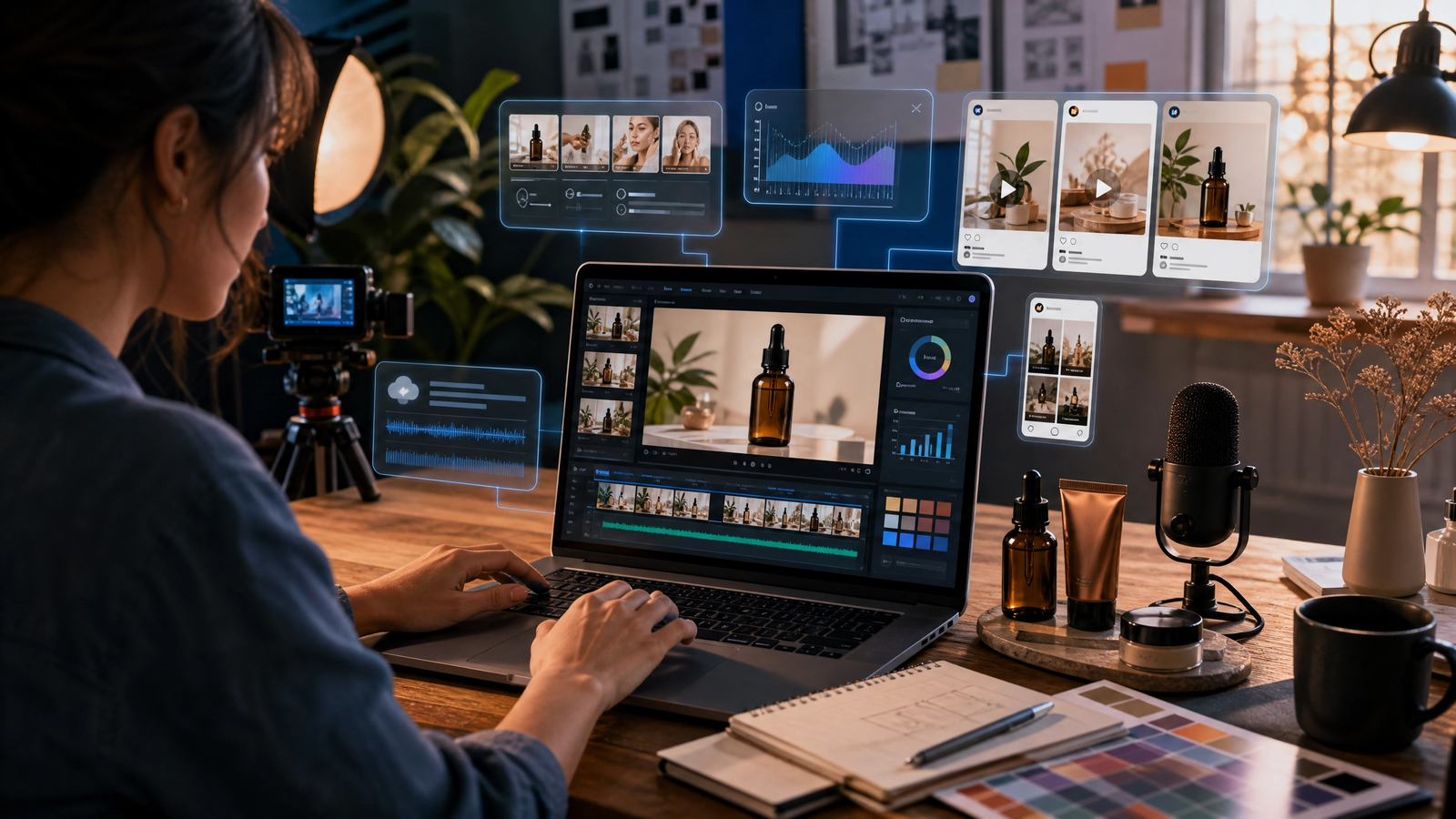
How to Use an AI Video Generator for Marketing Without Generic-Looking Content
Marketing teams are under pressure to produce more video than ever. They need short social clips, product explainers, campaign assets, customer-education videos, ads, email videos, and sales enablement material. For a small team, producing that volume through a traditional filming and editing process can be slow and expensive.
An AI video generator can help reduce production time, but speed alone does not create effective marketing. When businesses rely on generic prompts, stock-looking avatars, vague scripts, or unreviewed output, the result can feel interchangeable with hundreds of other videos online. That kind of content may fill a posting schedule, but it rarely builds trust or gives customers a strong reason to remember the brand.
The better approach is to use AI as a marketing-production assistant. Let it help with ideation, scripting, editing, captions, localization, repurposing, and visual variations. Then combine those efficiencies with real customer insight, distinctive brand assets, a clear offer, and human approval. This guide explains how to use an AI video generator for marketing without losing authenticity or quality.
What Does an AI Video Generator Do for Marketing?
An AI video generator can support different stages of a marketing workflow. Some tools create short visual clips from a text prompt. Others turn a script into an avatar-led presentation. AI-assisted editors can clean up recorded footage, create captions, remove filler words, extract social clips, and turn a long webinar into multiple short videos.
The right type of tool depends on the marketing task. A business that needs a founder-led social video does not need the same setup as a company creating multilingual onboarding content. Before selecting a platform, identify the bottleneck in your existing workflow.
| Marketing task | Useful AI capability | Best starting approach |
|---|---|---|
| Product launch | Script drafting, storyboard concepts, captions, short visual variations | Combine real product footage with AI-assisted editing. |
| Social media clips | Clip extraction, subtitle creation, video resizing, hook variations | Repurpose a webinar, podcast, or recorded demo. |
| Customer onboarding | Avatar-led explainers, voiceover, translation, screen recording | Build a reusable template with clear brand rules. |
| Paid advertising | Concept testing, multiple opening hooks, captions, versioning | Test small creative variations against one audience objective. |
| Email or sales outreach | Short personalized video, script support, editing | Use a real team member or product screen recording where possible. |
The purpose is not to automate every creative decision. The purpose is to spend less time on repetitive production work and more time on strategy, customer understanding, and quality control.
Why Generic AI Marketing Videos Fail
Many AI-generated marketing videos fail for the same reason weak traditional ads fail: they say nothing specific. A polished visual style cannot compensate for a vague message, an unclear audience, or an offer that sounds like it could belong to any company.
Generic videos often have several warning signs. The script begins with a broad statement such as “Are you ready to transform your business?” The visuals show people typing on laptops without explaining the actual customer problem. The call to action is disconnected from the content. The brand appears only as a logo at the end, rather than shaping the story from the beginning.
A useful marketing video should make the viewer feel that the business understands a real situation. It should name the relevant problem, show a credible solution, give one supporting reason to believe the message, and explain what to do next. AI can help create the video faster, but it cannot decide what matters to your customer unless you provide that insight.
Google’s guidance also emphasizes helpful, reliable, people-first content rather than material created primarily to attract search traffic. For marketing content, that means a video should genuinely answer a customer question or solve a communication problem—not simply repeat popular phrases because they are trending. [1]
Start With a Marketing Objective, Not a Tool
Before opening an AI video generator, decide what the video needs to achieve. The objective should be specific enough that your team can measure whether the video worked.
For example, a product-demo video may aim to increase trial sign-ups from a landing page. A short educational clip may aim to increase watch time and newsletter subscriptions. A customer-onboarding video may aim to reduce repeated support questions. A local-service video may aim to generate more booking enquiries.
The objective affects every later decision: video length, script, visual style, platform, call to action, and success metric. Without it, teams often end up producing attractive clips that have no clear role in the marketing funnel.
Define the Audience and the Problem
A strong marketing video normally speaks to one audience segment at a time. Instead of making a broad video for “business owners,” focus on a more precise viewer, such as restaurant owners who need faster social content, software teams onboarding new users, or service businesses that need to explain a booking process.
Write a simple brief before creating anything:
- Audience: Who should care about this video?
- Problem: What frustration, question, or desired outcome do they have?
- Offer: What can your business genuinely help them do?
- Proof: What evidence, example, demonstration, or explanation makes the message believable?
- Action: What should the viewer do after watching?
This brief gives AI tools the context they need, but more importantly, it forces the marketing team to make a clear decision before production begins.
Choose One Primary Metric
Do not judge every video by views alone. A short social video and a customer-training video have different definitions of success. Choose one primary metric that matches the objective.
| Video goal | Useful primary metric |
|---|---|
| Awareness | Qualified reach, watch time, or completed views |
| Product education | Demo-page clicks, trial sign-ups, or feature adoption |
| Lead generation | Landing-page conversion rate or enquiry submissions |
| Customer support | Fewer repeated support tickets or help-centre completion rate |
| Social engagement | Saves, shares, meaningful comments, or profile visits |
The metric does not need to be complicated. It needs to tell your team whether the video helped move the intended audience toward a useful next step.
Build a Brand System Before Generating Videos
The easiest way to avoid generic-looking AI video is to give the tool a consistent creative system. This does not require a large corporate brand guide. Even a small business can create a practical one-page reference that makes every video feel connected.
Start with approved brand elements. These include logo placement rules, two or three brand colors, preferred fonts, image style, tone of voice, product screenshots, approved customer language, and examples of calls to action. If your business uses real people, gather approved photos and video clips that can be reused responsibly.
Next, define the writing style. A luxury service may use a calm and polished tone. A practical B2B software product may use direct, instructional language. A local service business may use a friendly, community-focused voice. The goal is not to make every script sound formal; it is to make the script sound recognizably like your business.
Use Real Assets Whenever Accuracy Matters
AI-generated visuals can support a story, but real assets often create more trust. Use actual product screens, team footage, customer-approved images, location shots, packaging, process visuals, or before-and-after examples that accurately represent the business.
For example, a software company can use AI to improve the pacing and captions of a screen-recorded demo. A local contractor can use AI to turn real job-site footage into short, captioned clips. A consultant can use AI-assisted editing to create several versions of a recorded explanation. These approaches preserve the authenticity that a completely synthetic video may lack.
Create Three Reusable Video Templates
A repeatable template saves time and protects quality. Small businesses do not need ten formats at the beginning. Start with three.
The first template can be a problem-solution video: a customer problem, one practical solution, a proof point, and a clear call to action. The second can be a quick tip video: one useful idea explained in 30 to 45 seconds. The third can be a product or service walkthrough: a real demonstration with captions and a simple next step.
Once these templates are approved, the team can create new videos without starting from a blank screen every time.
A Seven-Step AI Video Marketing Workflow
A useful AI video generator for marketing should fit a disciplined workflow. The following seven steps help teams move from idea to publication while protecting brand quality.
1. Turn a Customer Question Into a Video Topic
The best marketing topics often come from sales calls, support tickets, product demos, customer reviews, and frequently asked questions. Look for questions your team answers repeatedly. Those questions already indicate a real information need.
For example, instead of producing a vague video about “innovation,” create a video that answers: “How long does setup take?” “What should a customer prepare before booking?” or “How can a small team create weekly social clips from one recorded video?” Specific questions create more useful scripts.
2. Write a Short, Honest Script
For most marketing videos, a 60- to 90-second script is enough. Begin with a precise opening that signals relevance. Then explain the problem, show the solution, add one credible proof point or demonstration, and close with one call to action.
Avoid exaggerated claims such as “This will change everything” or “Guaranteed results in minutes.” If you use AI to produce a first draft, rewrite it with product knowledge, real customer language, and the tone your audience expects.
3. Select the Right AI Video Format
Use an avatar-led format for simple explainers, training, multilingual updates, or regular FAQ videos. Use an AI-assisted editor for founder videos, webinars, interviews, podcasts, and real product demonstrations. Use generative visual tools for supporting scenes, early creative concepts, and abstract b-roll where exact detail is not required.
Businesses that want a more technical, hands-on animation workflow can also explore our guide on how to master SFM compile.
4. Generate a First Draft, Not a Final Campaign
Create a short draft first. This prevents a common mistake: spending too many credits or too much editing time before the core message has been reviewed. Check whether the opening feels relevant, the pace is clear, the visuals support the message, and the call to action is appropriate.
If the draft feels generic, do not simply request more visual effects. Revisit the brief. Add a more specific customer problem, a real product example, a clearer benefit, or a stronger demonstration.
5. Add Brand-Specific Details
Before publication, add elements that only your business can provide. These might include a real product screen, a founder quote, a customer-approved result, a location shot, a precise step in your service process, or a short FAQ taken from an actual sales conversation.
These details make the video more difficult to copy and more valuable to the viewer. They also align with Google’s people-first content guidance, which encourages original information, clear sourcing, and real expertise.
6. Review Accuracy, Accessibility, and Permission
Every video should have a simple quality check. Confirm that captions are accurate, prices and dates are current, spoken names are correct, and any statistics or claims are supported. Ensure the call to action leads to the right page and that the video has readable text and understandable audio.
Also confirm that you have permission to use any customer image, employee image, voice, music, or external asset. AI does not remove the need for careful rights management and professional judgement.
Before scheduling or running an AI-generated marketing video, use our AI video review checklist for small teams to check message, visual quality, captions, rights, format, and final approval.
7. Publish, Learn, and Improve the Next Version
After publishing, review the primary metric you selected at the beginning. Look for patterns. Does one opening hook retain attention longer? Does a clear screen demonstration lead to more clicks? Do captioned clips perform better on mobile? Use the findings to improve the next video rather than assuming one format will work forever.
Practical AI Video Marketing Ideas for Different Channels
An AI video generator becomes more useful when the content is planned for its distribution channel. The same core message can be adapted without becoming repetitive.
Social Media: Start With One Useful Insight
For social platforms, lead with the viewer’s problem or question. A short clip should focus on one idea. Use captions because many viewers watch without sound, and keep the visual story simple enough to understand on a mobile screen.
A strong format is: “Here is the problem,” “Here is one practical way to solve it,” and “Here is where to learn more.” Avoid turning every social clip into a hard sales pitch.
Landing Pages: Show the Product or Process
A landing-page video should reduce uncertainty. Demonstrate what the customer will receive, how the process works, or what happens next. Use real product screens, actual service steps, or a clear presenter explanation. A vague inspirational video may look polished but often does not answer the visitor’s decision-making questions.
Email Marketing: Add Context, Not Just Motion
A video in an email campaign should support the message in the email. For example, a short product update video can show a new feature, while the email provides the detailed instructions and a link to try it. Use a relevant thumbnail and make the next action obvious.
Sales Enablement: Help the Sales Team Explain Faster
Sales teams can use short videos to explain common questions, introduce a process, or follow up after a demo. In this use case, clarity is more important than cinematic visuals. A concise, accurate video that saves a salesperson five minutes of repeated explanation can create meaningful value.
Content Marketing: Turn One Topic Into Several Assets
A detailed blog article can become a short explainer, three social clips, a customer FAQ, an email section, and a sales resource. This is where AI-assisted editing can be especially useful. It helps a business repurpose a strong original idea without re-creating every asset from the beginning.
For a broader view of distributing useful editorial content to a relevant audience, read Dailq’s guide to guest posting and content visibility. The focus should remain on relevance and reader value, not on adding links or content at scale without a clear purpose.
Common AI Video Marketing Mistakes to Avoid
The first mistake is treating AI video as a volume machine. Publishing many weak videos does not build a strong brand. Google’s spam policies warn against scaled content created mainly to manipulate rankings rather than help users. Create fewer videos with better customer insight, clear messaging, and genuine review.
The second mistake is forcing an avatar or generated visual into every campaign. Use the format that serves the message. A real customer story may need real footage. A technical update may need a screen recording. An internal process explanation may work well with an avatar.
The third mistake is ignoring the opening seconds. If the first line is vague, viewers have little reason to continue. Start with a customer problem, a surprising but accurate observation, or a direct statement of value.
The fourth mistake is publishing without an accessible version. Add captions, ensure on-screen text is large enough to read on mobile, and avoid relying only on audio to communicate essential information.
The fifth mistake is having no follow-up path. A viewer who is interested should know what to do next: visit a product page, read a guide, start a trial, book a consultation, sign up for a newsletter, or watch a more detailed demo.
Frequently Asked Questions
Can an AI video generator create marketing videos without a production team?
Yes, especially for simple explainers, social clips, captions, basic product walkthroughs, and repurposed content. However, a production team is not the only source of quality. The business still needs a clear brief, accurate product information, brand assets, and a human review process.
How do I stop AI marketing videos from looking generic?
Use real customer questions, real product screens, approved brand assets, specific examples, and a clear call to action. Avoid vague scripts and generic stock-style visuals. A video becomes more distinctive when it includes information that only your business can provide.
Should I use AI avatars in marketing videos?
AI avatars can be useful for FAQs, onboarding, simple explainers, and multilingual updates. They may be less suitable for emotional customer stories, high-trust messages, or testimonials where real people and authentic footage are more appropriate.
What should I measure after publishing an AI marketing video?
Measure the outcome connected to the video’s objective. This could include watch time, completed views, landing-page clicks, trial sign-ups, sales enquiries, customer-support reduction, or meaningful social engagement. Do not rely on view count alone.
Is AI-generated marketing content safe for SEO?
The important question is whether the content is helpful, original, accurate, and created for people. Google recommends people-first content and cautions against extensive automation used primarily to manipulate rankings in its spam policies. Use AI to improve a genuine marketing workflow, then add real expertise and human review.
Conclusion: Use AI to Strengthen Your Marketing, Not Replace It
An AI video generator for marketing can help a small team create more useful video content with less production friction. It can support script development, editing, captions, localization, visual concepts, and repurposing. But the best results come from combining those efficiencies with human knowledge of the customer, the product, and the brand.
Start with one clear objective and one repeatable video format. Use real assets where credibility matters, review every final video carefully, and measure an outcome that connects to the marketing goal. When AI helps your team make better content more consistently—not just more content—it becomes a practical part of a stronger marketing system.